Find a space where you can actually focus.
Discover study hubs and private rooms near you, see what is really free right now, and reserve the schedule you want.
 Illustrative preview
Search for a space
Pick your date, start time and how long you need on the venue's own page, where the live seat map is.
Turn up knowing there is a seat.
Four things the app does today. Nothing here is coming soon.
See real availability
Live seat and room status, so you never waste the trip. It works before you sign in.
Pay the venue directly
No middleman and no card details. Nookly collects nothing, and there is no booking fee during the beta.
Manage bookings in one place
View what is coming up, move it to another time, or cancel it. Message the venue if you need to.
Check in with a code
Show the code at the counter and sit down. No queue, no explaining your booking.
Spaces you can book now.
Every venue below is live in the app, with its real rates and its real spaces.
One booking, four kinds of space.
These are the four space types venues actually list on Nookly, with the names you will see in the app.
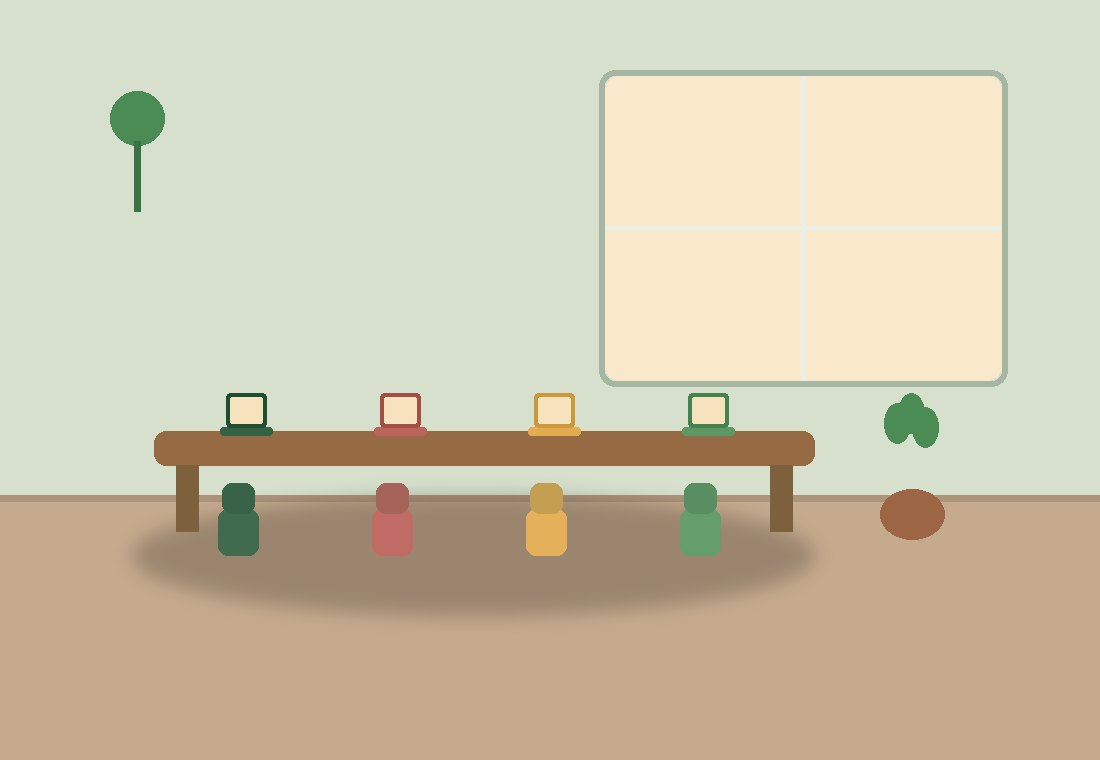
Open Seating
Shared hot desks. Deep work, revision, an afternoon of reading.
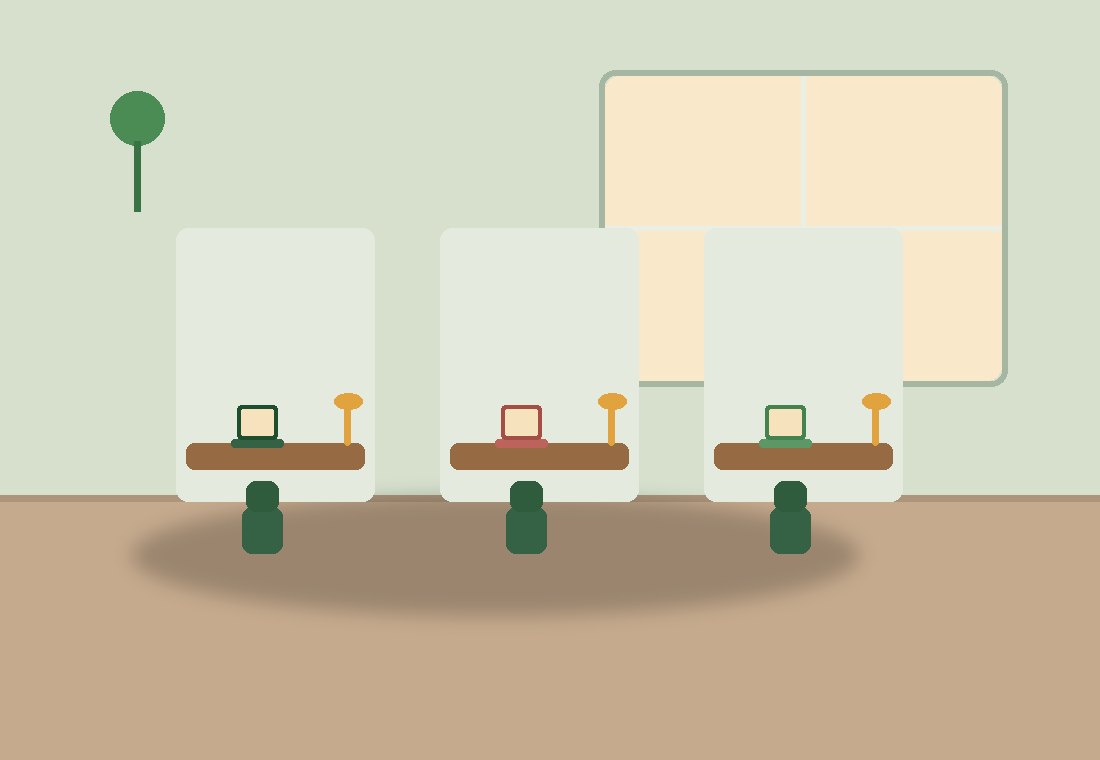
Individual Space
A private enclosed pod. Online classes and calls without disturbing anyone.
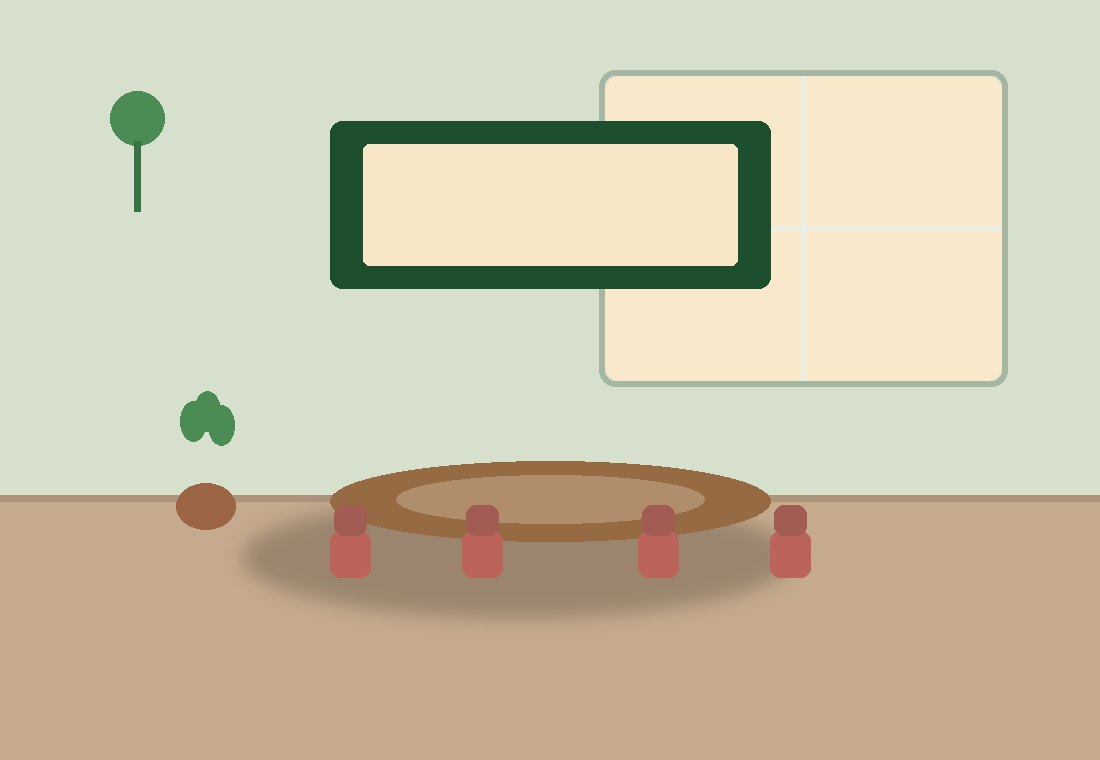
Group Room
Small groups and meetings. Study sessions, group projects and client calls.

Conference Room
Large, with a full AV setup. Workshops, reviews and training days.
From "where do I focus?" to seated, in three steps.
See what is open
Browse nearby hubs with live seat maps: open seating, cubicles, team, meeting and conference rooms. No more showing up to a full room.
Book your spot
Pick the date, the start time and how long you need. You will see the rate and the total before you confirm anything.
Give your code
Show your check-in code at the counter, pay the venue for your seat, and get to work.
Your space, your rules. We handle the bookings.
List your study hub or private rooms on Nookly and take live bookings from focused students and professionals in your area.
Your opening and closing times, your five space types, your prices, and closures for the days you are shut.
A live floor, today's bookings, check in with a code, seat a walk-in, and move a guest to another seat.
Nookly never touches the money. Guests pay you at the counter, by whatever method you already accept.
 Nookly
Frequently asked.
Is Nookly free to use?
Browsing and reserving are free, and there is no Nookly booking fee during the beta. You pay the venue directly for the seat or room you book, just like you would at the counter. If that ever changes we will say so clearly before it does.
Do I need an account?
Not to look. You can browse every venue, its rates, its hours and its live availability while signed out. You need an account to reserve a space and to see your own bookings afterwards.
How do I pay?
You pay the venue directly, using whatever they already accept at their counter. Nookly has no payment system: we never take your card details and we never hold your money. Reserve through Nookly, pay the hub directly.
What happens if I do not turn up?
Bookings have a 15 minute grace window. If nobody checks in by then, the reservation is released automatically and the seat goes back into the live pool for someone else. The venue can also mark a booking as a no-show from their counter screen. There is no fee either way, because Nookly does not process payments.
I run a study hub. How do I join?
Tap "List Your Study Hub" and tell us about your venue. That creates a Nookly account if you do not have one, and submits an application: we check every venue before it goes in the directory, so guests can trust what they find. We will email you when there is a decision, and your space owner tools open once it is approved. It is free to list and free to use for the whole beta. We have not settled on pricing yet and we will tell you before anything changes.
Which areas are you in?
We are starting in the Davao Region and signing up the first venues now. The list of live hubs on this page is the real one, so it is the fastest way to see whether we have reached you yet.
Find your nook.
See what is free right now at the venues near you, or list the one you run.